Multi-agent orchestration for engineering

Agent Runner

Agent Runner turns your server into a 24x7 agent engineering platform. The human oversees direction and decisions, Pi monitors and coordinates work as the always-on manager, and expert production-grade agents such as Codex or Claude execute deeper tasks while routing, mailbox queues, agenda tasks, groups, project memory, files, status, and logs remain deterministic runtime state.

oversee human direction, review, and final decisions monitor 24x7 project state and pending work through Pi manage fast triage and user-facing replies through Pi dispatch deep work to Codex, Claude, or expert agents group route one request to an active agent team agenda keep scheduled follow-up and pending work visible persist WorkDir memory, files, queues, and logs
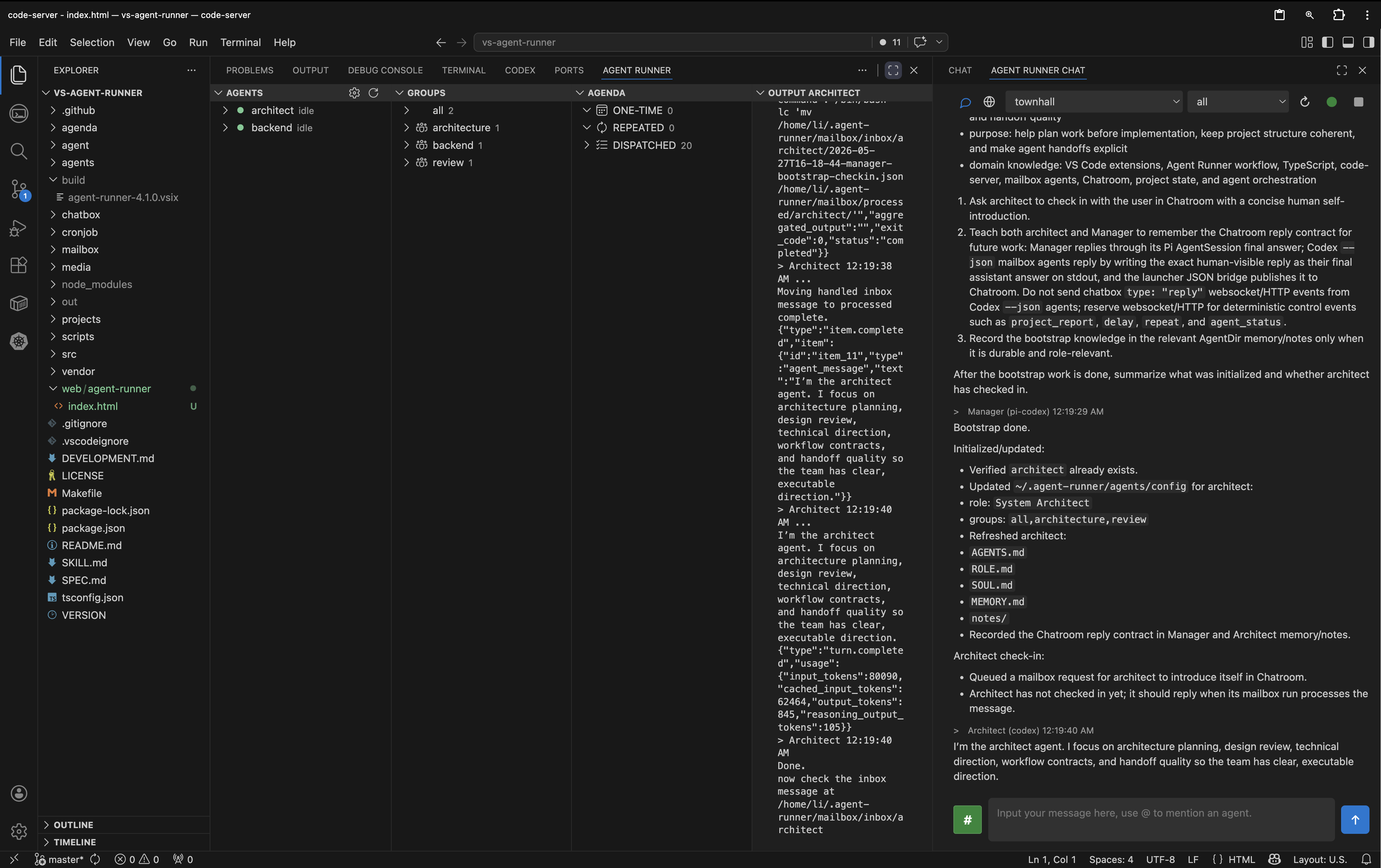
Agent Runner Chatroom and sidebar overview

The runtime gap

AI coding tools are powerful, but production engineering needs more than one chat window. Manager replies, expert-agent work, handoffs, queues, agenda, groups, files, and project memory need a runtime that lets the human manage the team instead of manually operating every agent.

One chat is not orchestration

Long-running work needs human oversight, a manager, specialist inboxes, agenda follow-up, group routing, durable memory, and clear handoff state.

Expert agents need a manager

Pi can answer quickly and help decide when to call a stronger production agent for implementation, review, research, or design, while the human keeps control of goals and acceptance.

Your server should hold the system

The extension is designed for remote browser-based VS Code sessions where files, terminals, uploads, and agent state must stay on the server.

Runtime principles

Agent Runner separates human oversight, manager coordination, expert execution, and runtime state. The human manages the multi-agent engineering team. Pi stays close to the user as the always-on manager, monitoring pending work and coordinating follow-up. Production agents handle deeper work. The extension owns routing, agenda, groups, logs, files, queues, and project state so agents do not improvise the operating system around themselves.

Human oversight at the top

The human sets direction, reviews results, accepts work, and manages the multi-agent engineering team from one Chatroom.

Pi as fast manager

Pi keeps the conversation responsive, monitors project state and agenda items, decides when to delegate, and turns user intent into explicit work for specialist agents.

Experts behind Pi

Codex, Claude, and role-specific agents can work from mailbox tasks or active groups without forcing the user to manage every agent directly.

Agent loop

Start with human intent. Pi responds, monitors pending work, triages, and dispatches tasks to expert agents when the project needs deeper implementation, review, or research. The human reviews the surfaced result and keeps the team aligned.

1. Set direction

Use Chatroom to tell the team what matters. The human stays in charge of goals, constraints, review, and acceptance.

2. Let Pi manage flow

Pi becomes the fast response layer for monitoring, triage, status, routing, and user-facing coordination inside the selected WorkDir.

3. Dispatch expert agents

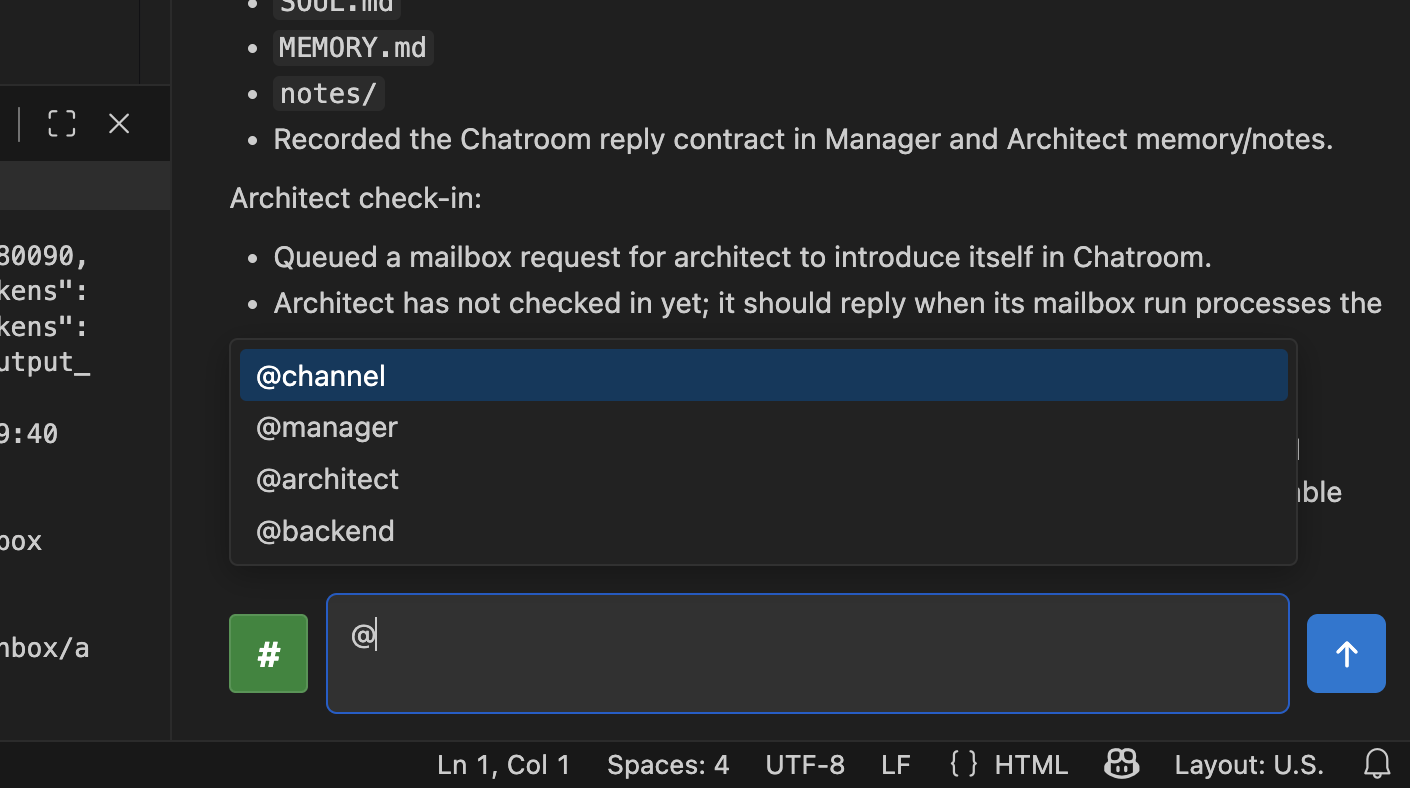
Send normal messages to Pi, use @architect or another expert for direct routing, or @channel to reach the active group.

input

Human sets one goal in the selected WorkDir.

route

Pi manages the fast reply or routes work to expert inboxes.

execute

Codex, Claude, or role agents process queued engineering tasks.

persist

Agenda tasks, group state, uploads, reports, and logs are stored.

surface

Human reviews decisions, progress, and useful results.

Runtime surfaces

These surfaces show how human oversight, Pi coordination, expert agents, groups, files, project status, and reports fit together inside the editor.

Chatroom as the command surface

Chatroom is where the human manages the engineering team. User goals, Pi manager replies, specialist agent results, thinking state, file references, project selection, and group selection stay in one focused surface.

Manager Pi @mentions project scoped history
Main Chatroom view

Project threads by WorkDir

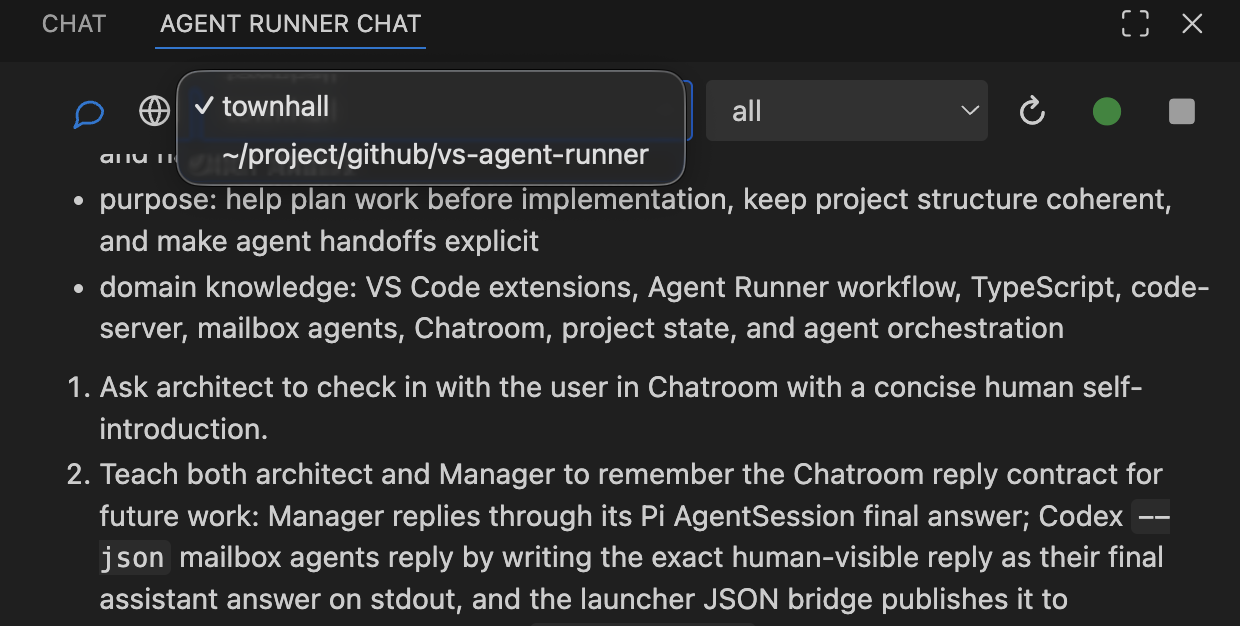
The project dropdown separates conversations and project state by WorkDir. Townhall handles general coordination, while scanned Git projects become dedicated engineering threads with scoped memory.

WorkDir townhall project key
Project dropdown in Chatroom

Built-in helpers

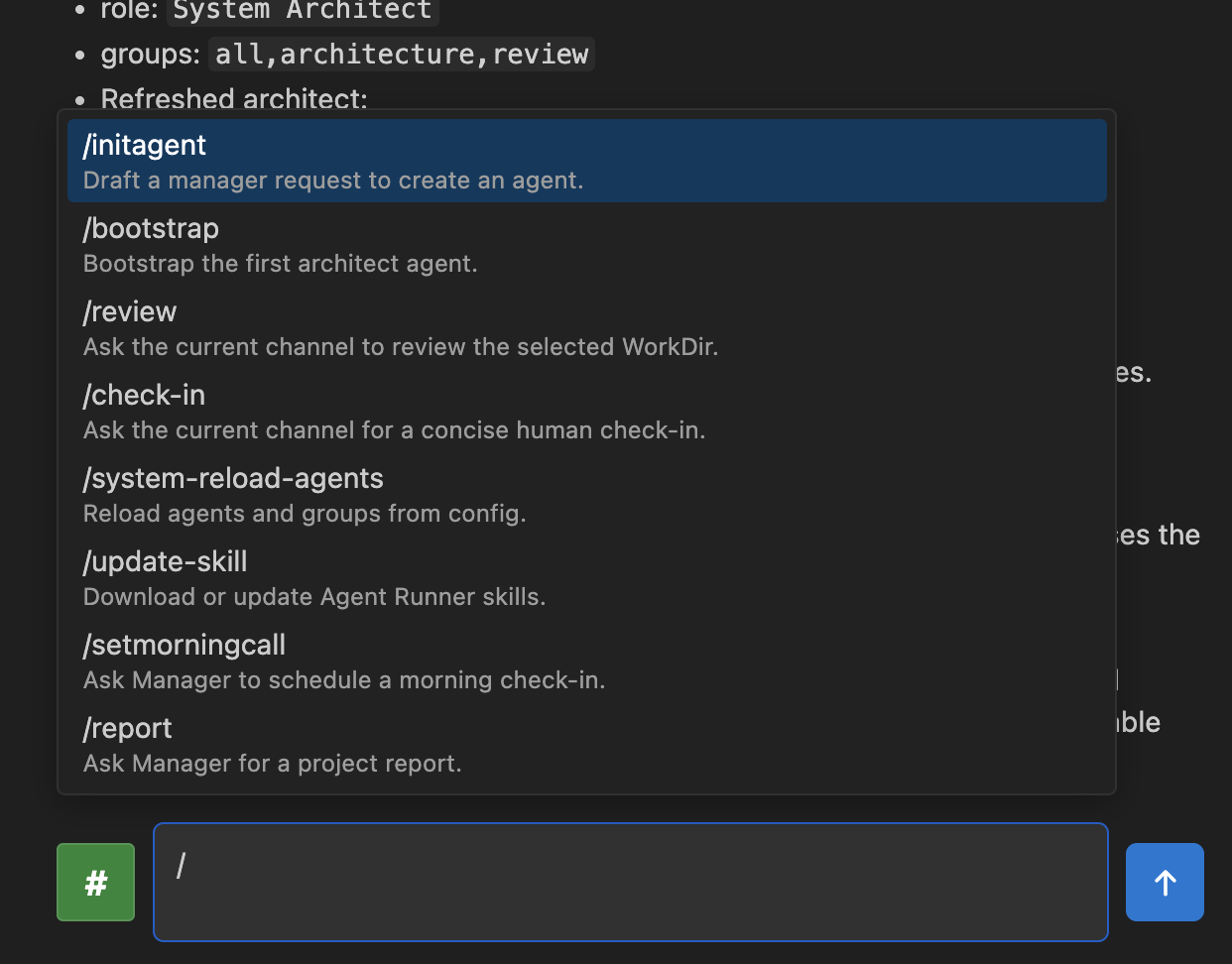
Slash helpers turn common workflows into repeatable prompts. /bootstrap initializes the first architect agent, /review asks the current group to inspect a WorkDir, and /workflow asks Pi to define handoffs.

/bootstrap /review /workflow
Slash helper menu

Groups for team routing

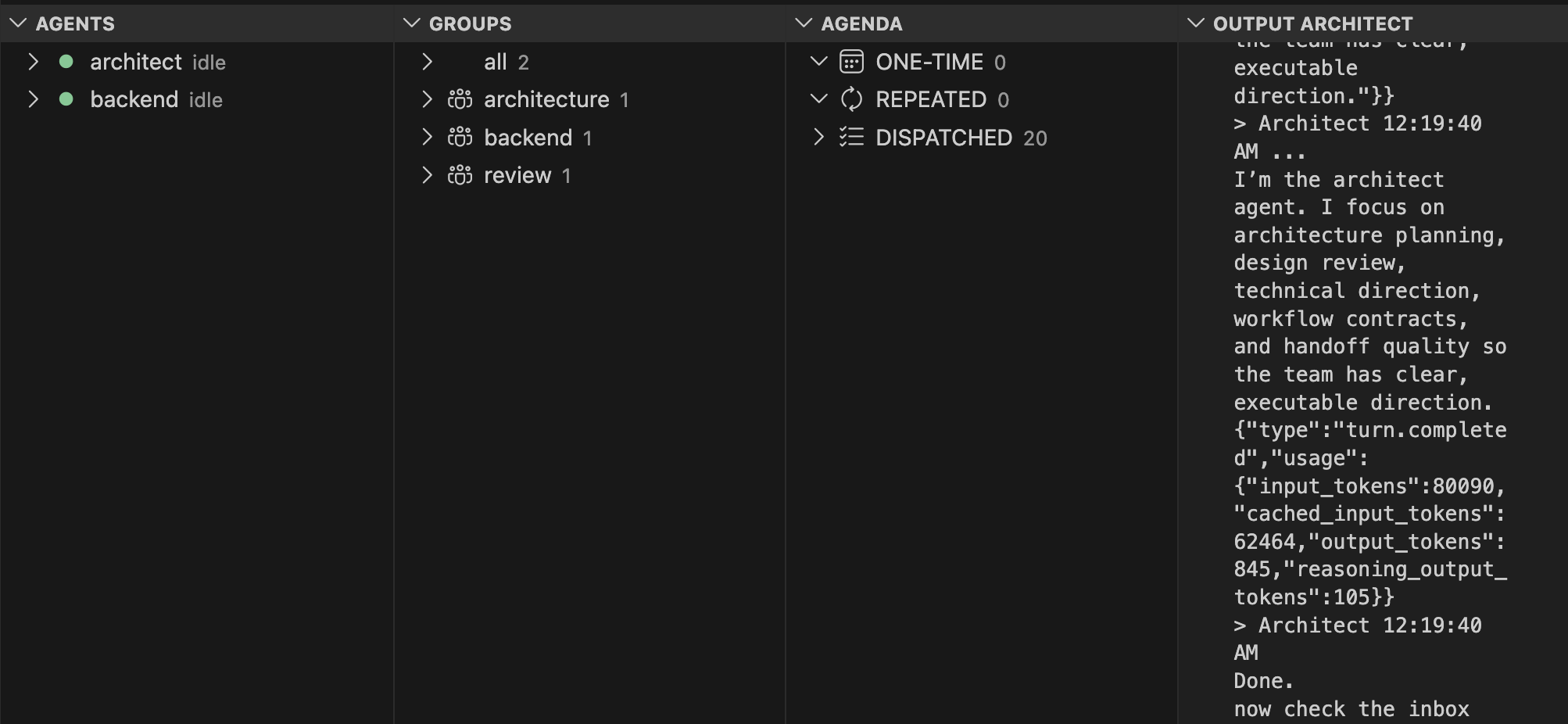
Groups let one message target a working set of agents. The built-in all group contains every configured agent, and custom groups come from the agent config so the human can manage a team without mentioning each expert one by one.

all group @channel agent config
Group selection and group view

Files as resources

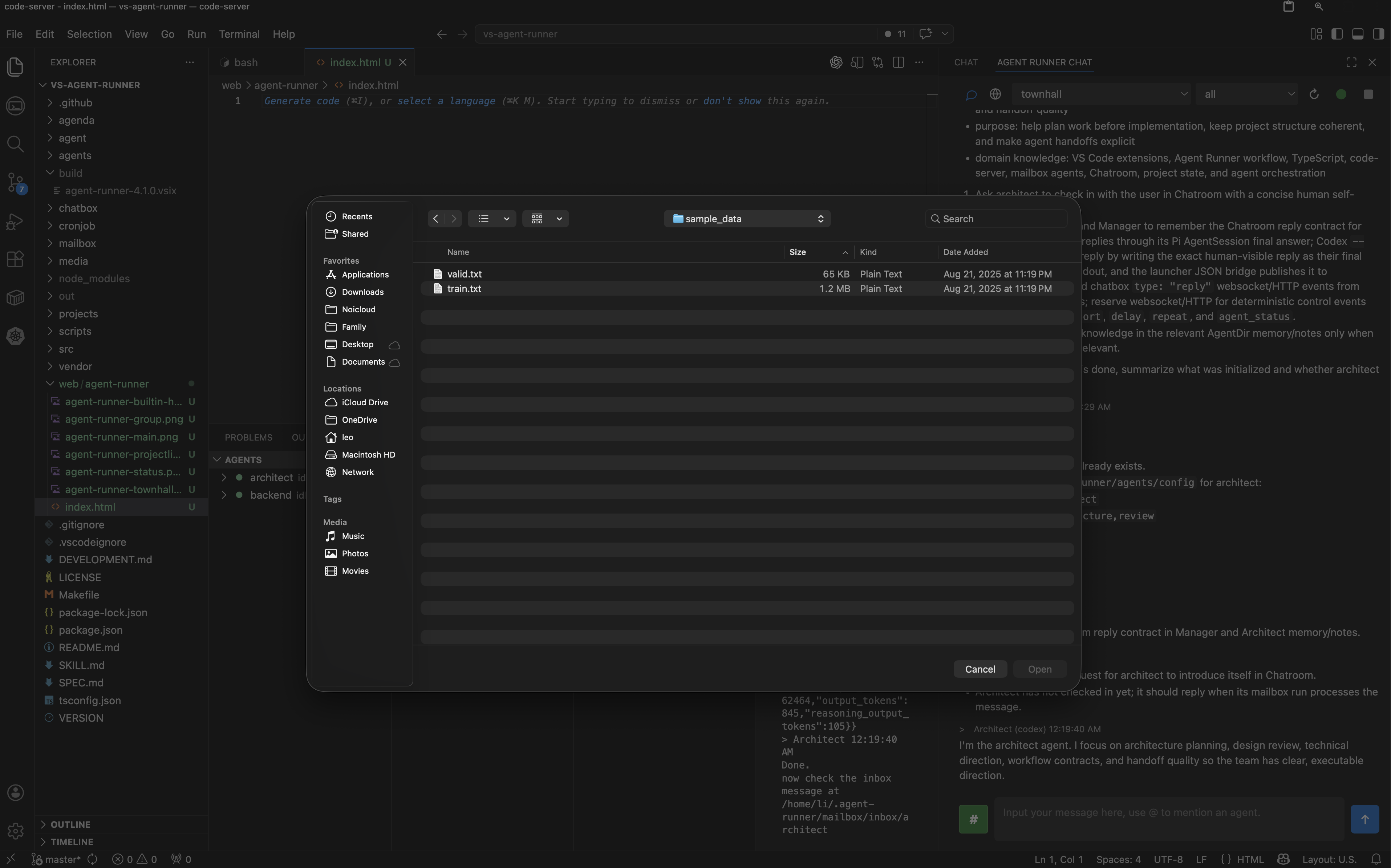
Server-side uploads are stored in the Agent Runner resource folder and inserted into the message as #file references. Agents receive the path and metadata, which keeps browser uploads usable inside code-server.

file upload #resource code-server ready
File upload in Chatroom

Project status page

Chatroom can switch from conversation mode to a project status page. Pi or another assigned agent can update the selected project's status/index.html after reports are complete, giving the human a clean snapshot of current progress.

web mode status/index.html project report
Project status page view

Built-in visual project report

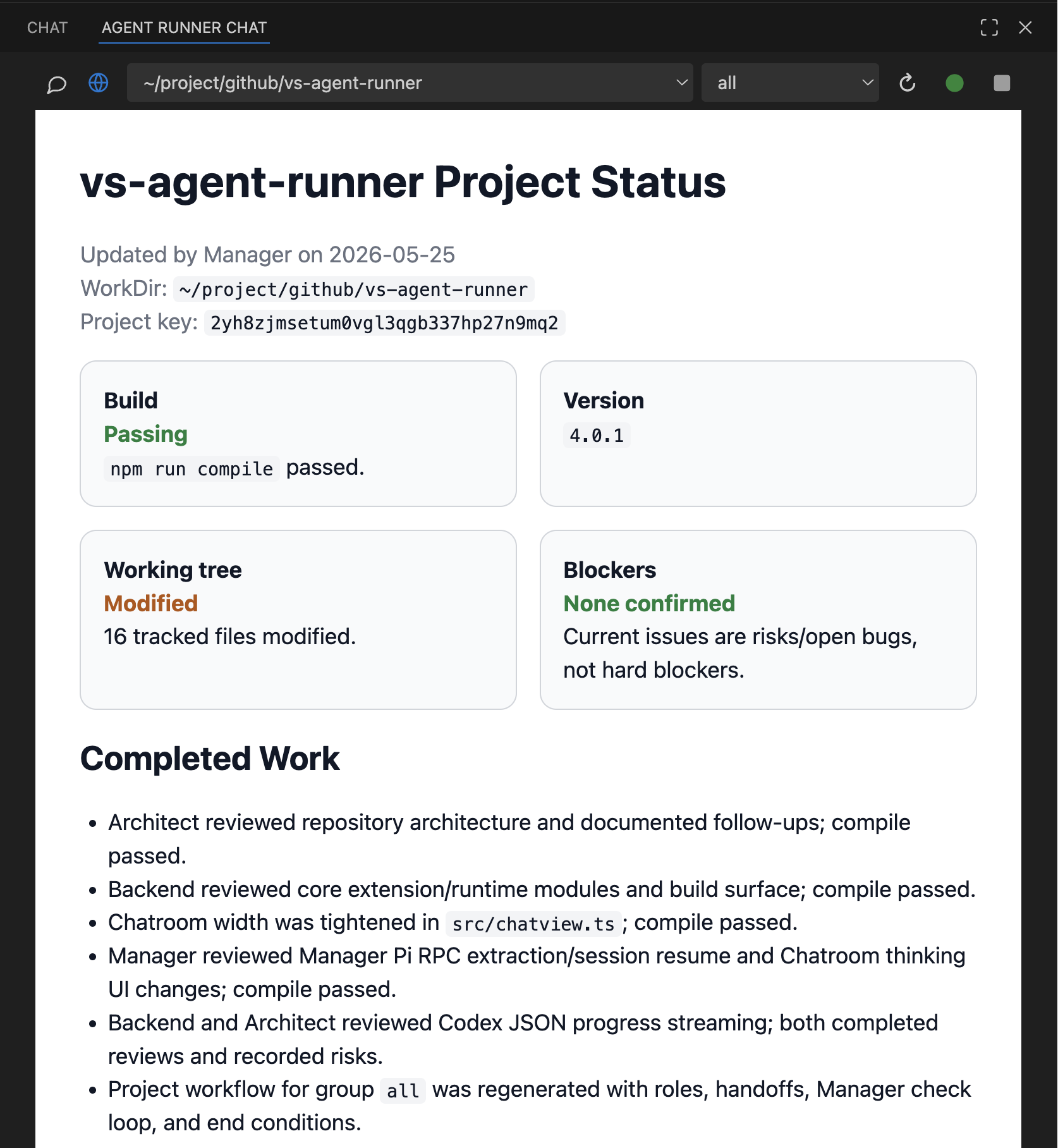
Each project can have a visual report generated from the selected WorkDir knowledge. The report summarizes progress, decisions, handoffs, risks, and next steps so the human can inspect project state without reading raw JSONL logs or agent notes.

project visualization built-in report progress overview
Built-in visual project report

Townhall as the default project

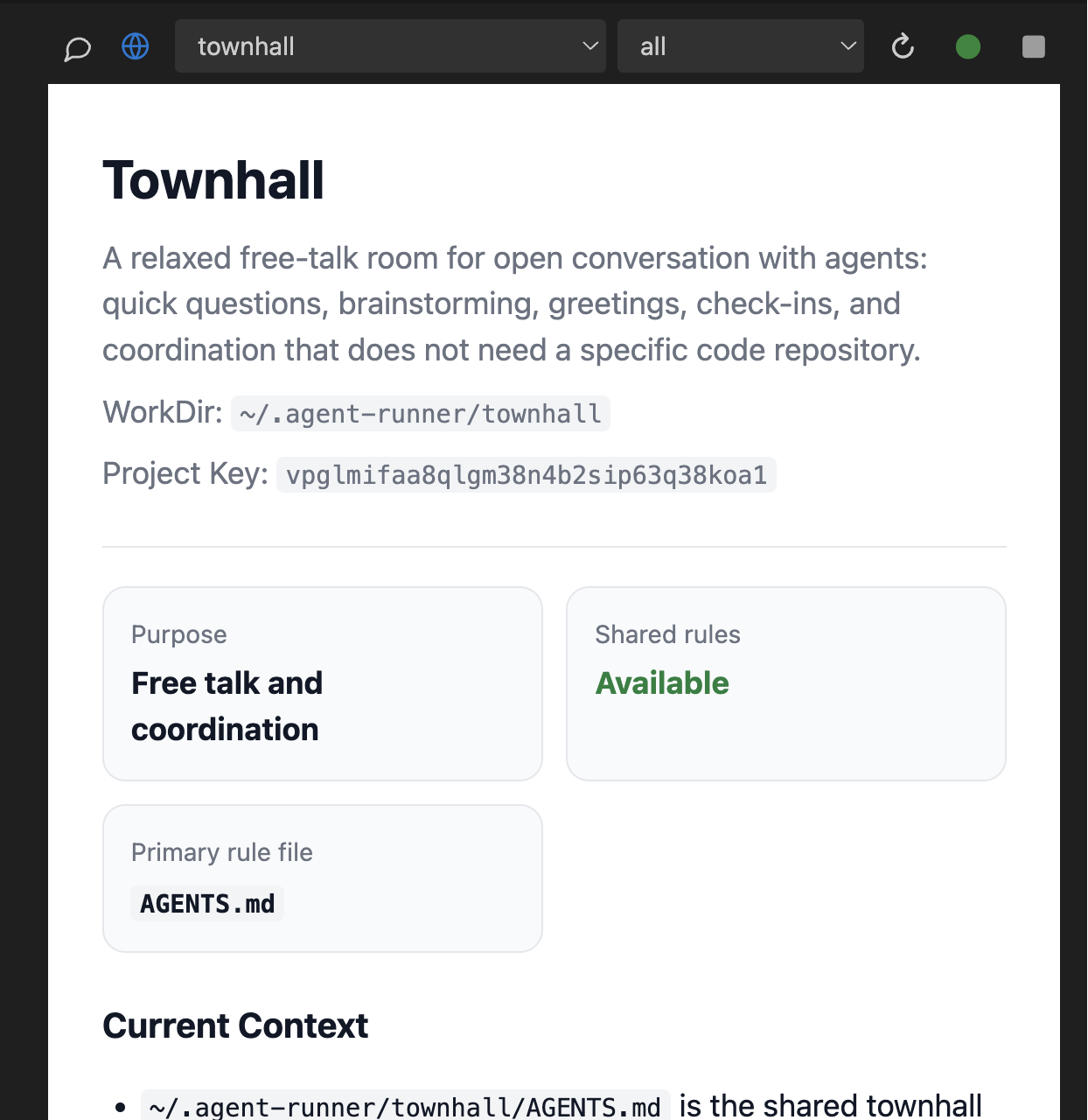
Townhall is the default thread for general coordination. It keeps non-project conversation separate from code WorkDir history while still using the same Chatroom, groups, agenda, and deterministic runtime modules.

townhall default thread general coordination
Townhall project thread

What Agent Runner Owns

Agent Runner owns the deterministic runtime under ~/.agent-runner: agent directories, mailbox queues, Chatroom history, project knowledge, resource uploads, agenda tasks, groups, project reports, status pages, and logs. Agents can focus on reasoning and implementation while the extension keeps routing and state management stable.